
Snipe-IT Asset Management
Features and Overview
General Features
Admin Dashboard
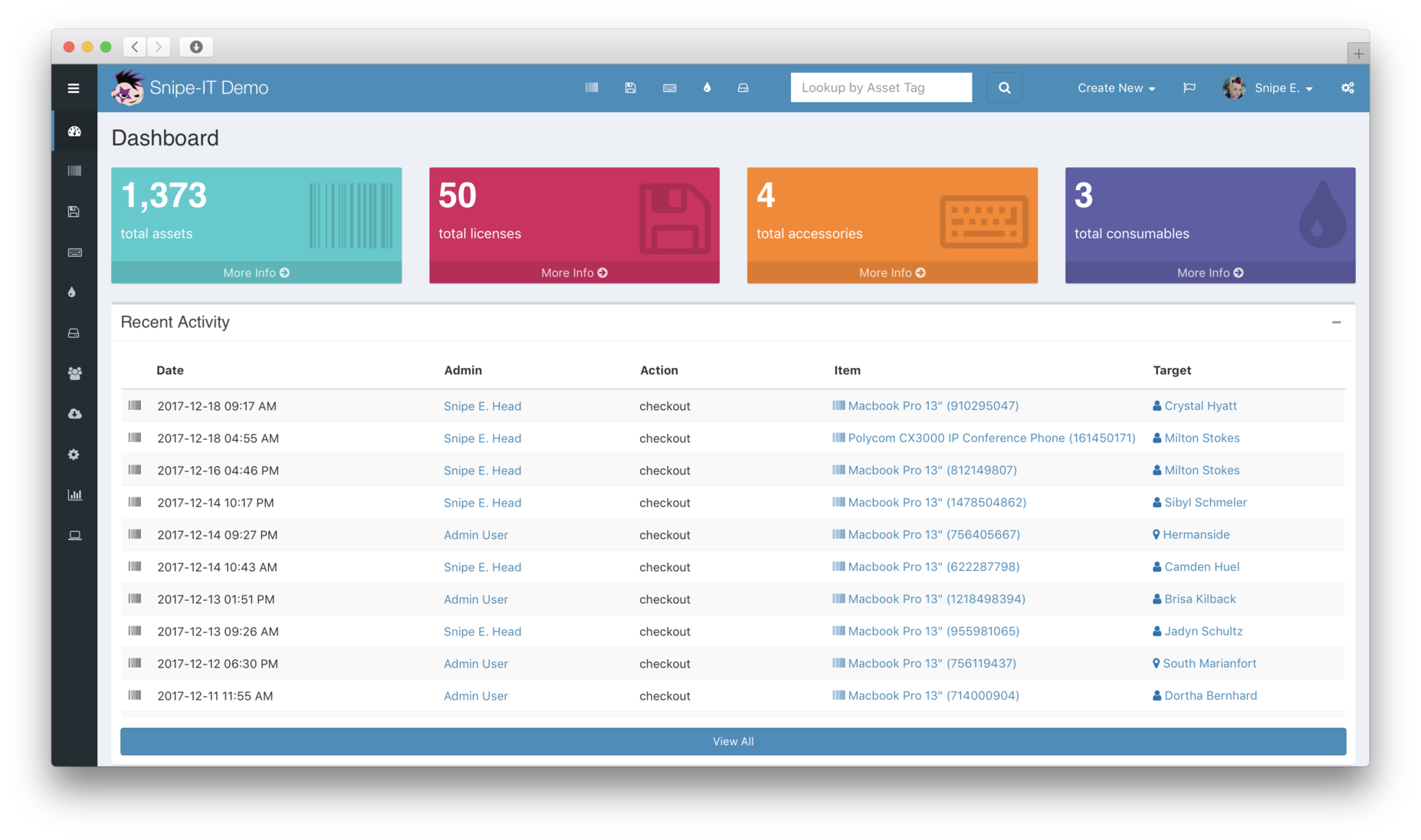
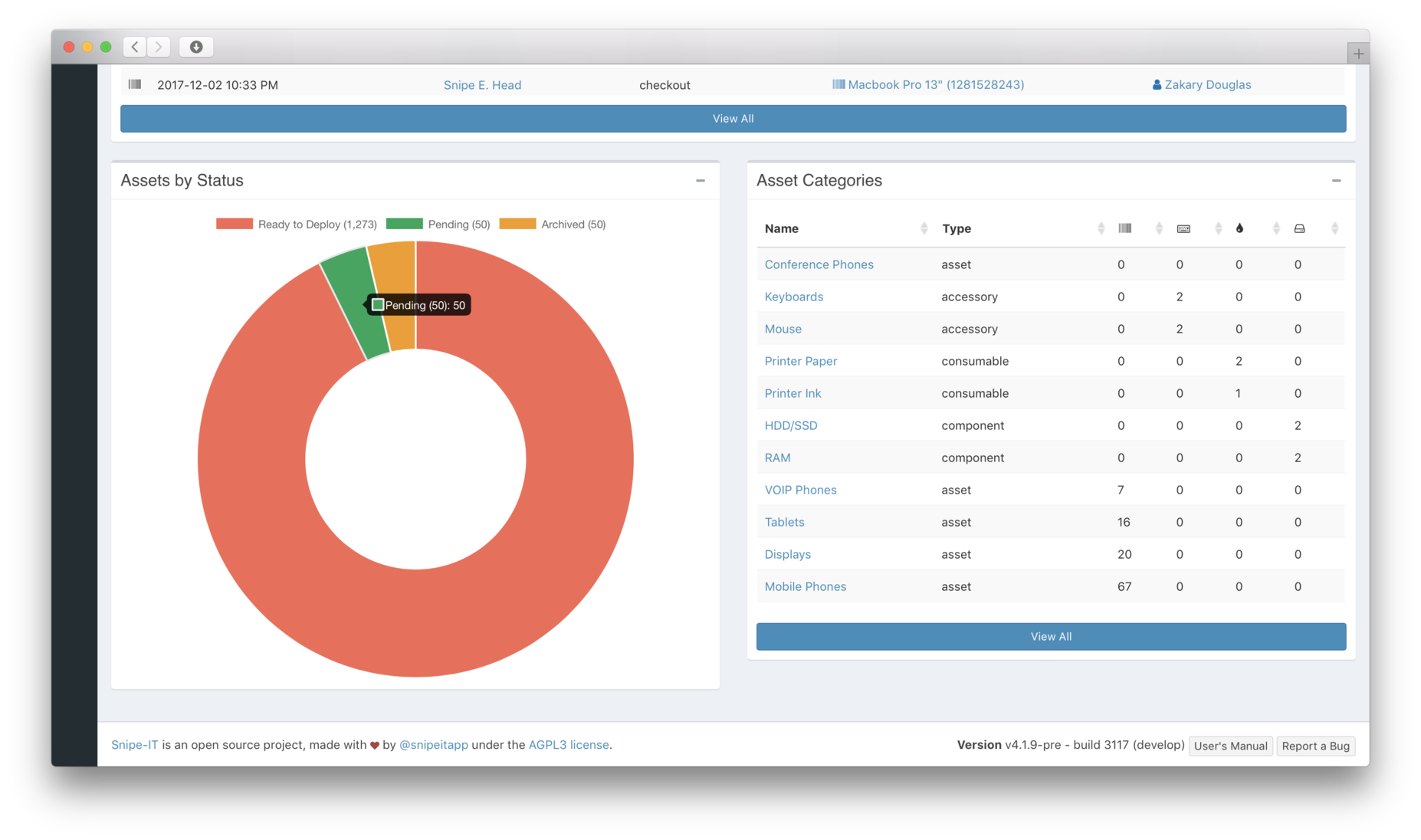
At-a-glance access to recent activity and an overall view of what assets, accessories, consumables, and components you have.
Items that have been checked in, checked out, recently updated or deleted, show up in a recent activity snapshot.
Asset Management
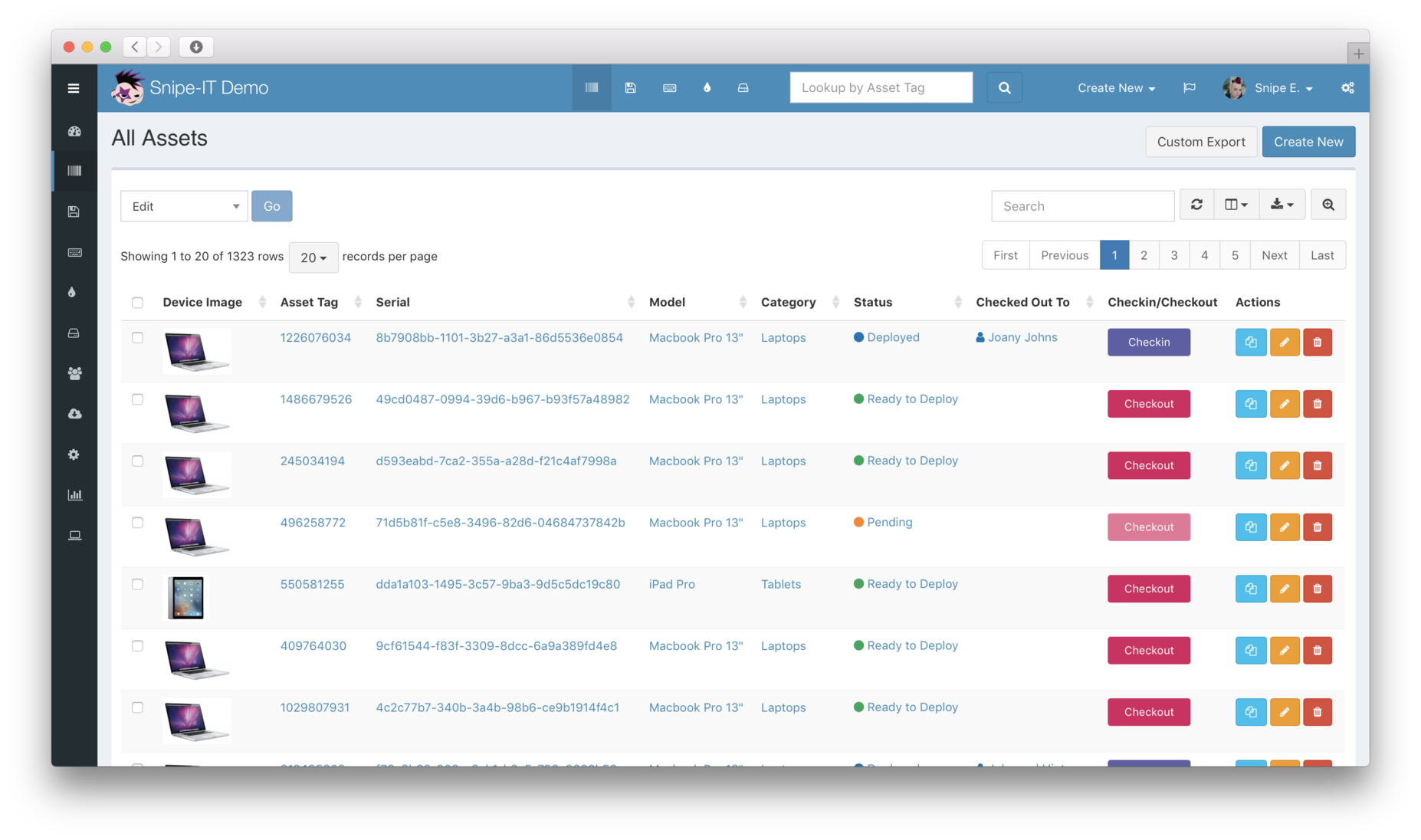
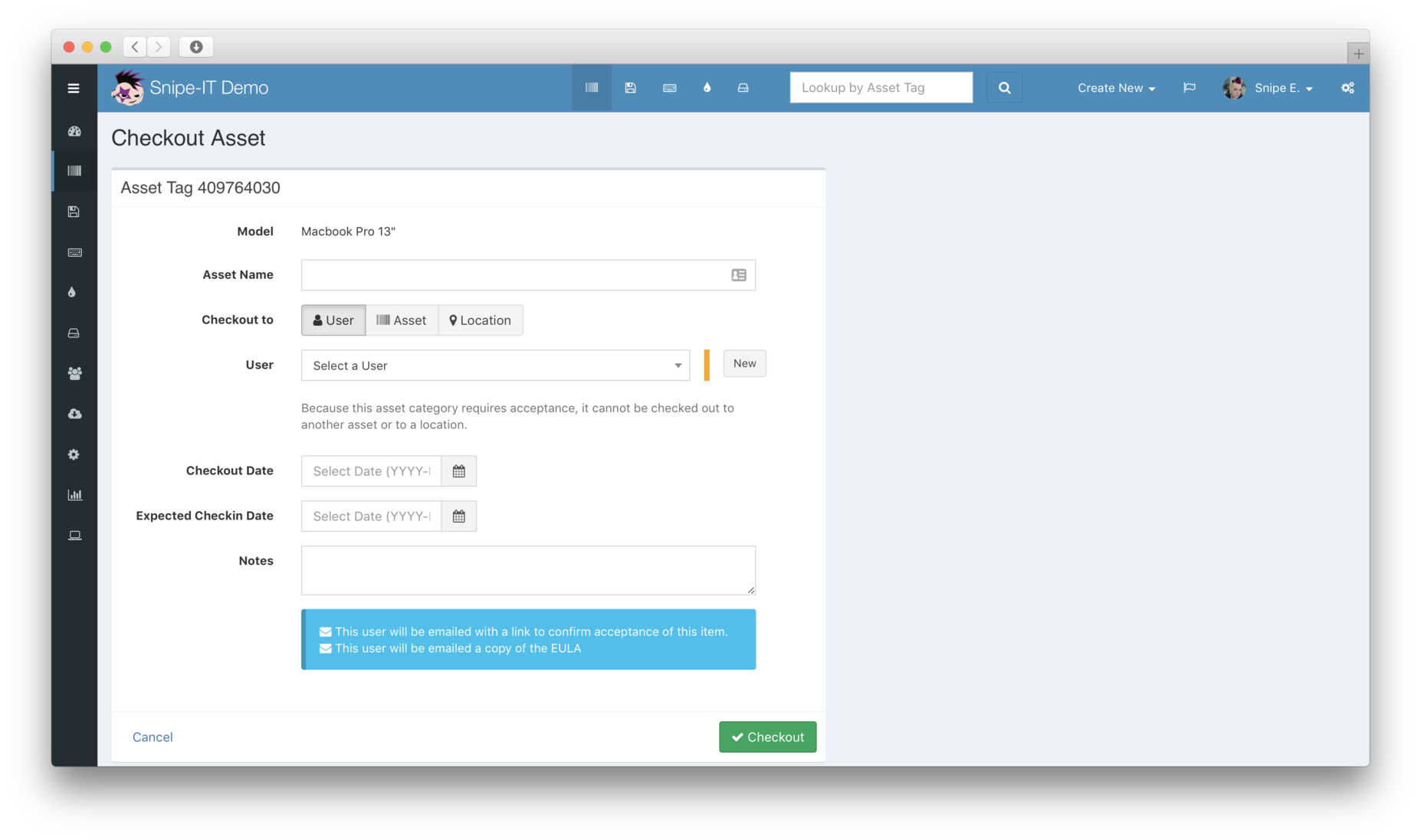
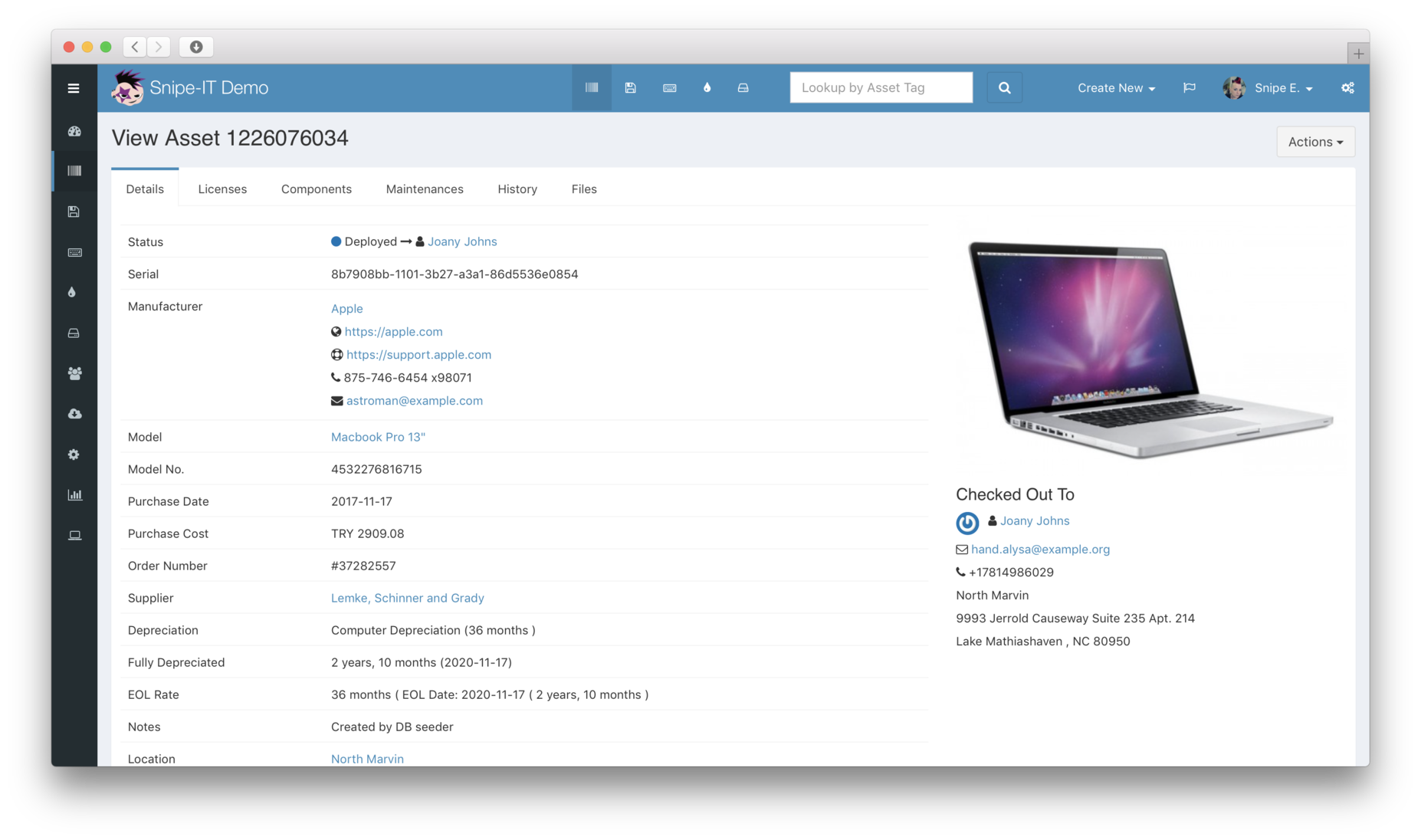
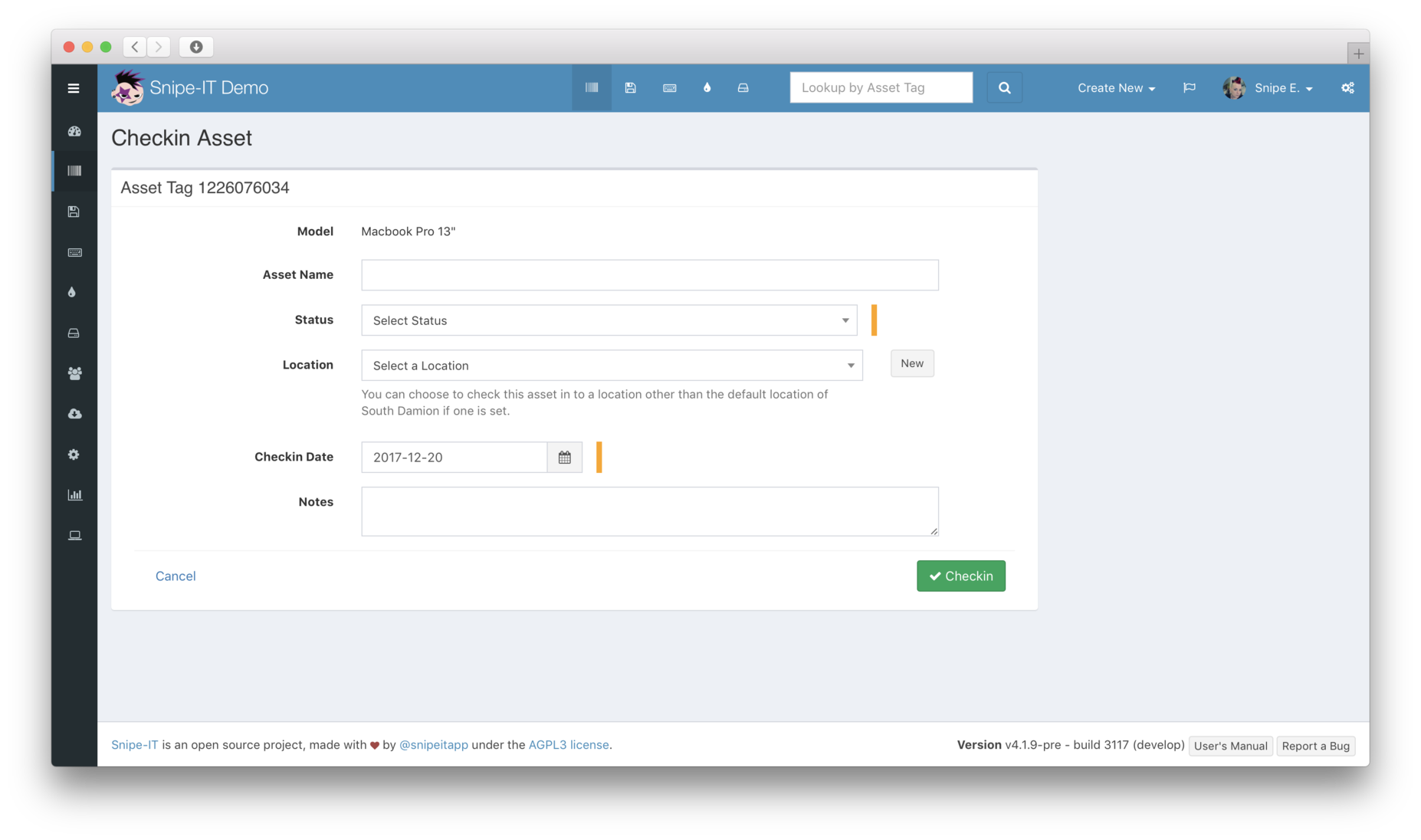
Easily see which assets are assigned, to whom, and their physical location. Check them back into inventory with one click, or click through to see the asset's complete history. Seeing what assets are currently deployed, pending (brand new awaiting software installs, out for repair), ready to deploy, or archived (lost/stolen, or broken) is quick and easy.
License Management
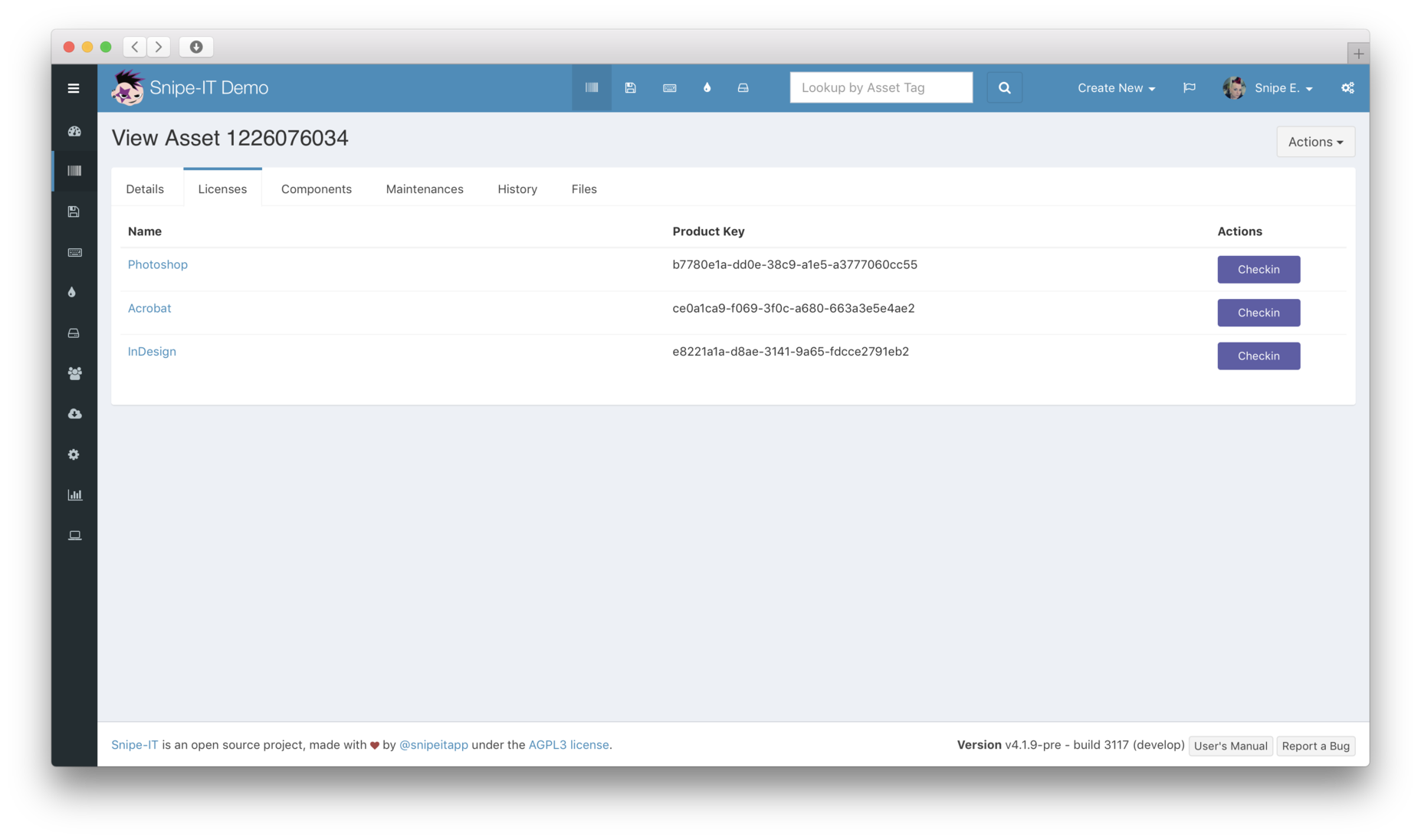
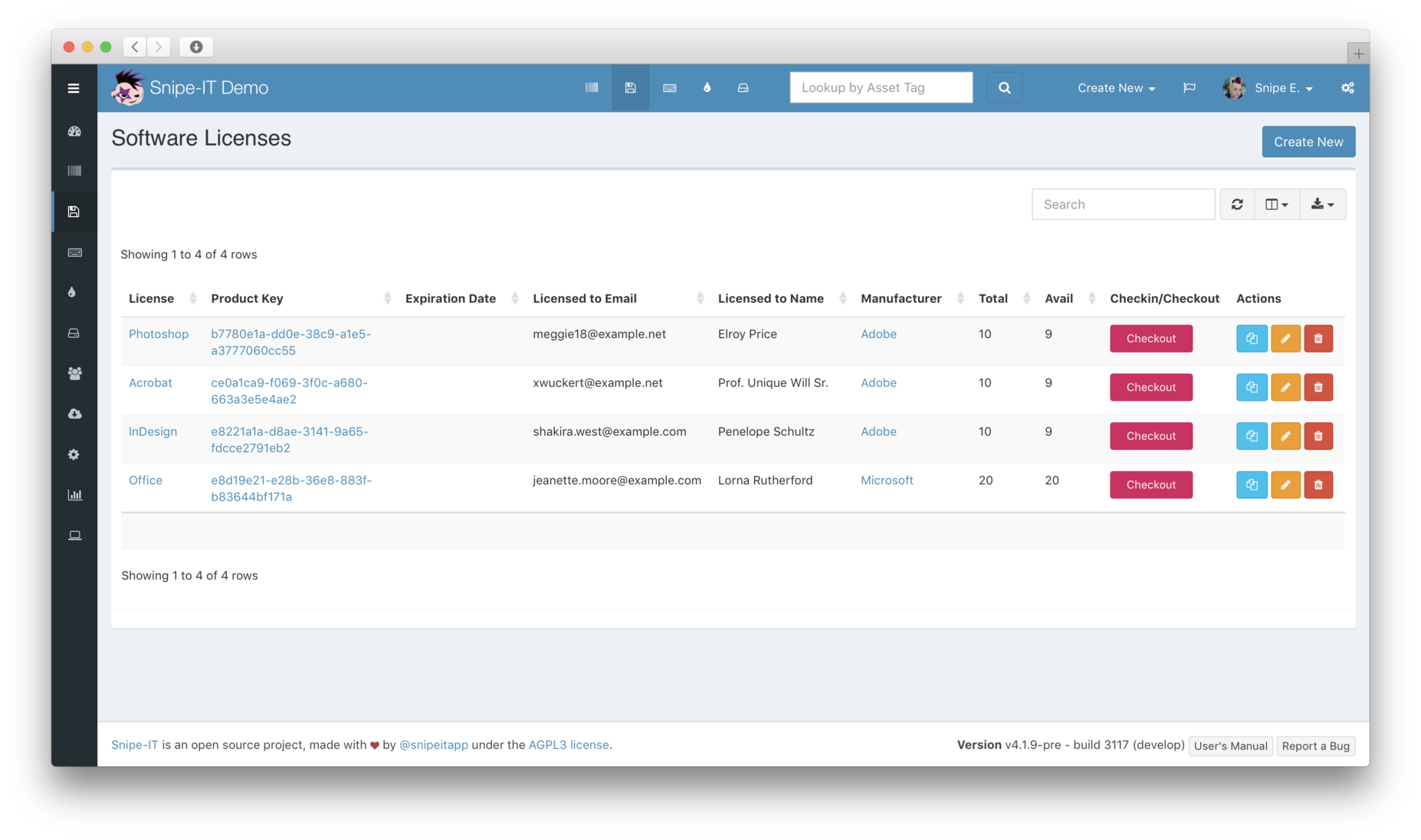
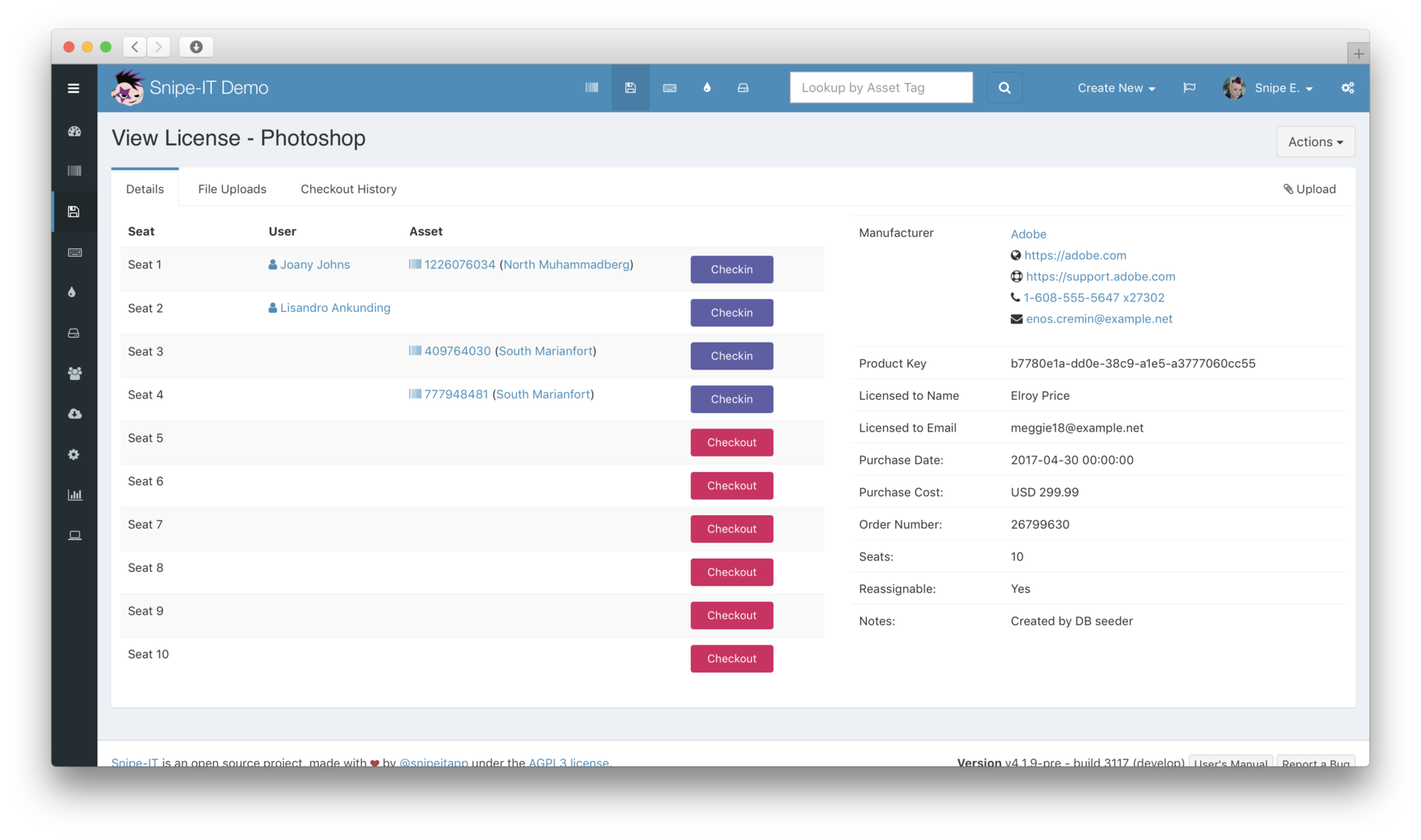
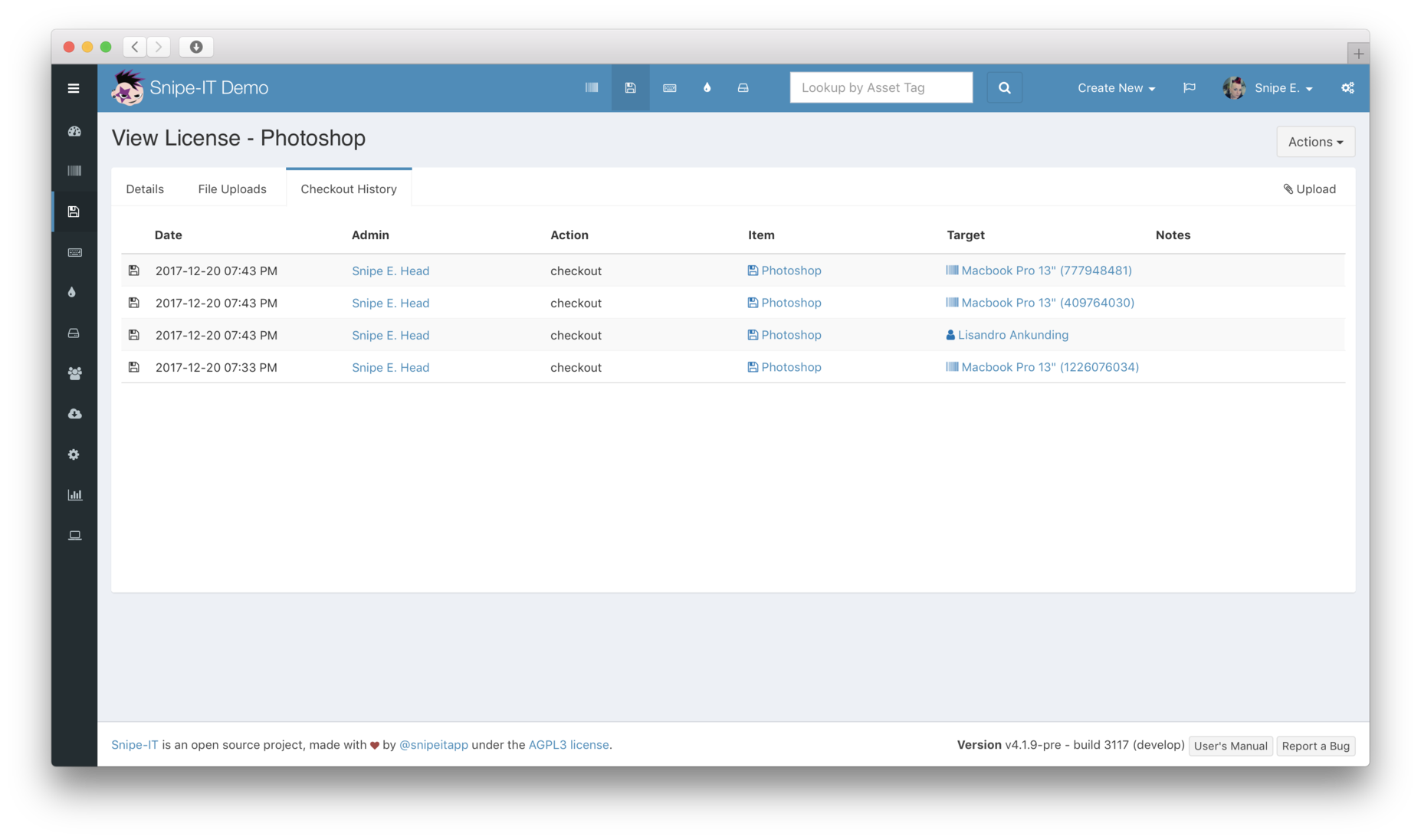
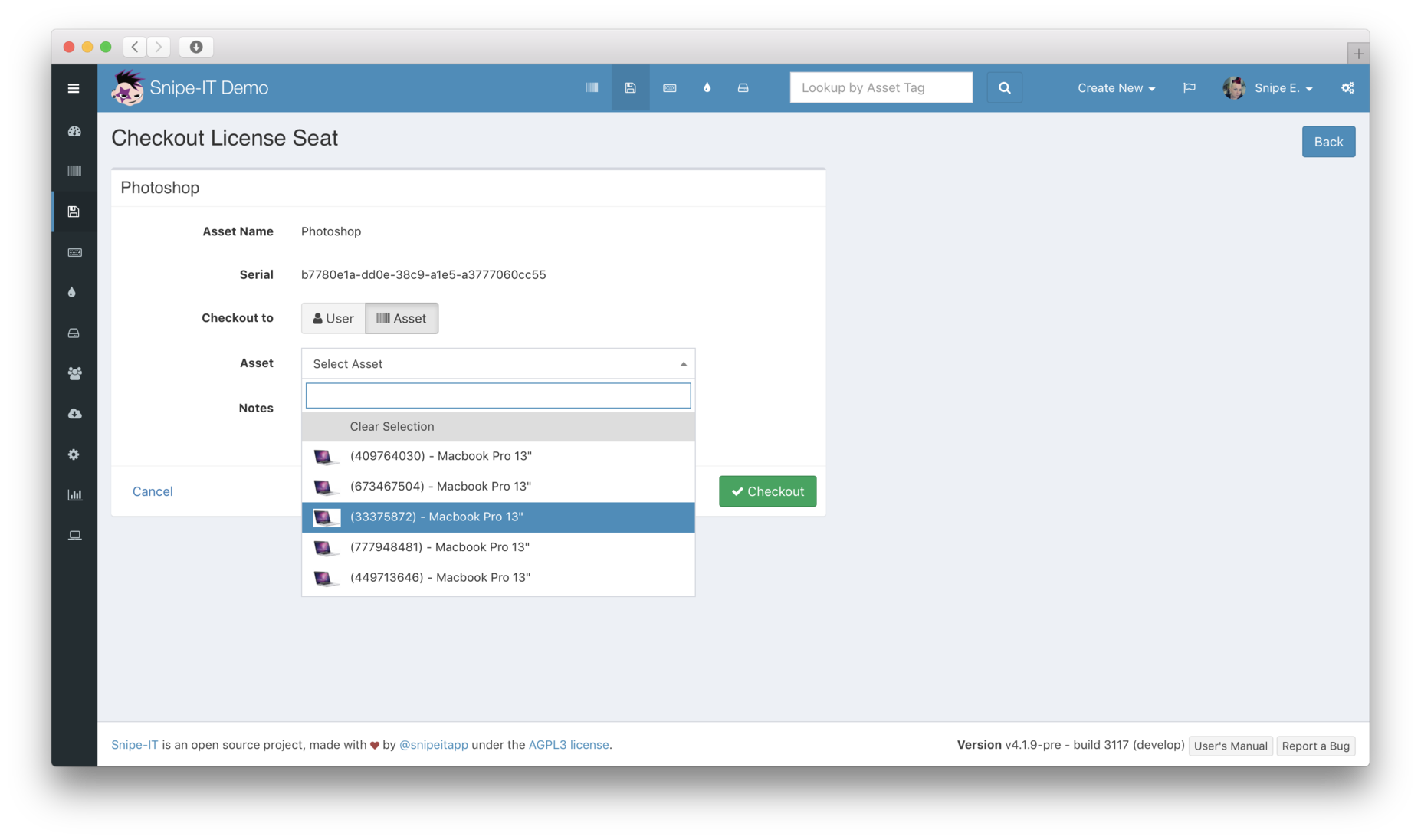
You get the same quick access with licenses, too. We’re working on making this even better, by letting you smartly handle multi-pack licenses with ease. Enable email alerts to get an email when your licenses are expiring.
Email Notifications
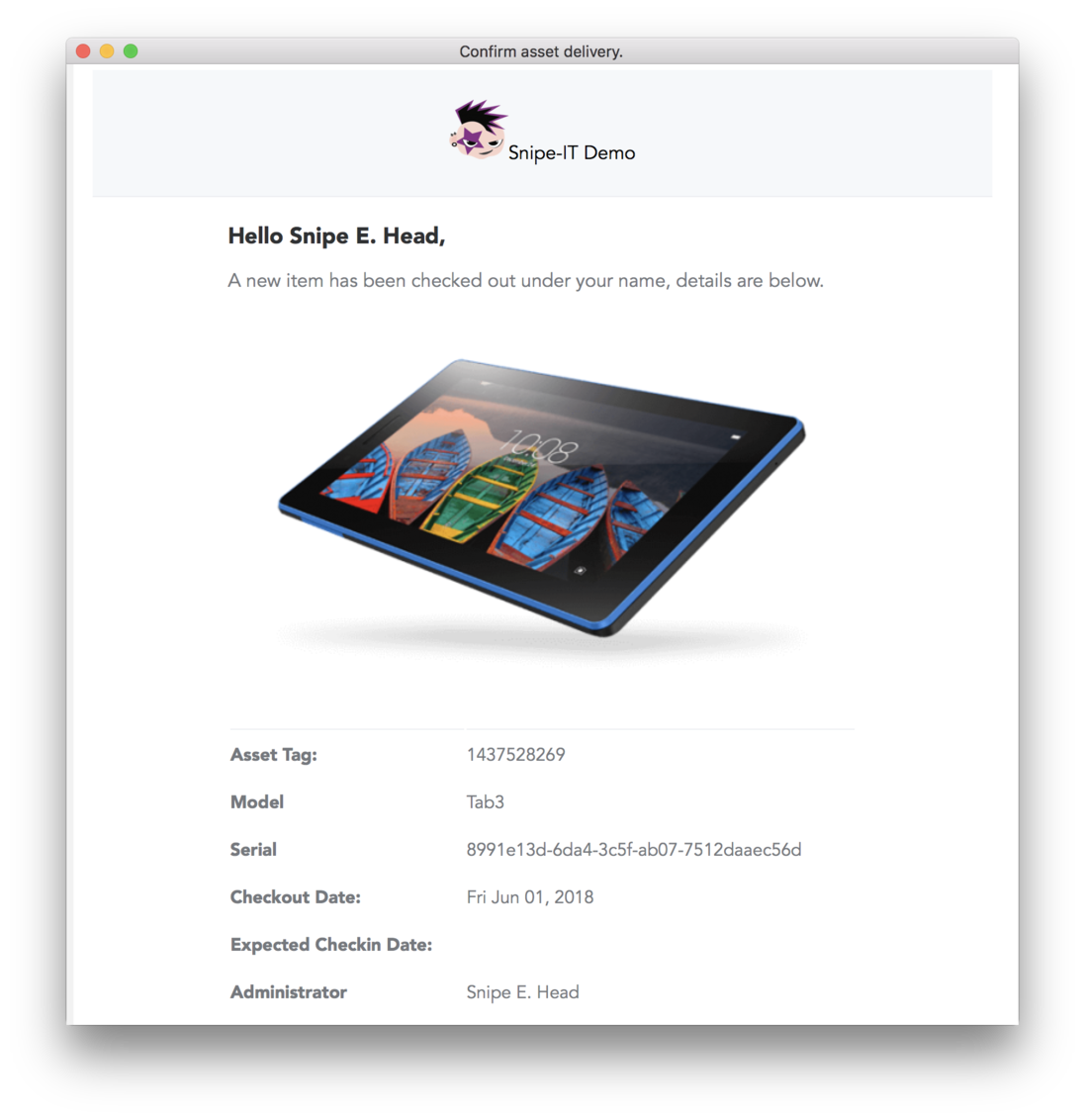
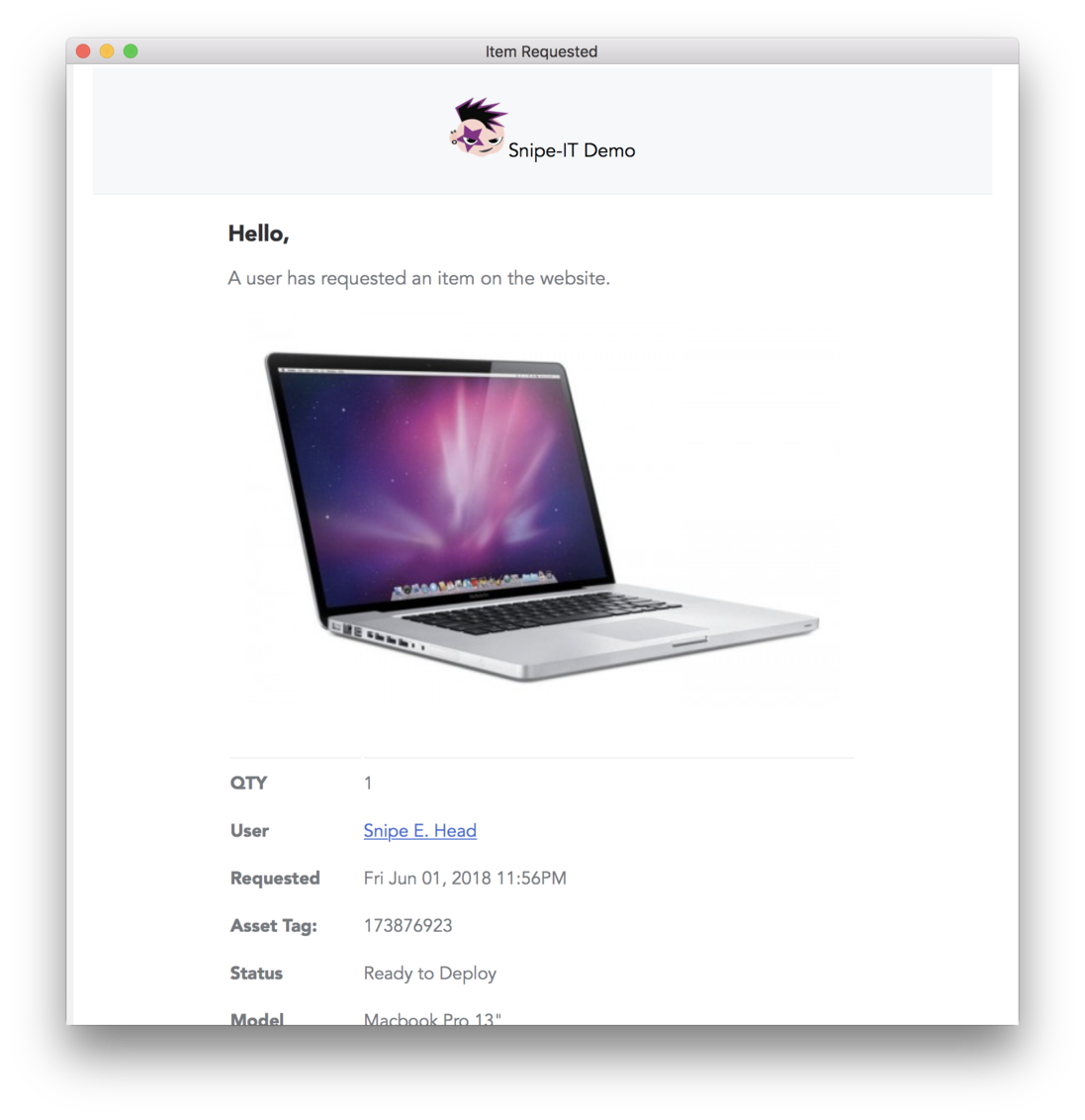
Snipe-IT comes with beautiful built-in email notifications for users and administrators.
Sent to Users
Sent to Admins

Snipe-IT for Jira
If you work with the Atlassian ecosystem, codefortynine has created a Jira integration for Snipe-IT to allow you to manage assets directly in Jira issue fields.
Learn more or try it free in the Atlassian Marketplace .
Integrations & Robust JSON REST API
Easily integrate your own proprietary systems, IdP, RMM and MDM cloud-hosted services, and company-specific workflows with a powerful REST API. And while the native API is straightforward and well-documented, new open source SDKs and scripts are being developed by the community all the time to make integration even easier, including:
curl -i assets.yourcompany.com -H 'X-Auth-Token: $token'

HTTP/1.1 200 OK
Content-Length: 784
Content-Type: application/json;charset=utf8
Last-Modified: Fri, 18 Sep 2026 08:17:55 UTC
Date: Fri, 18 Sep 2026 08:17:55 UTC
Additionally, while Snipe-IT prides itself on letting you move away from spreadsheets and Google Sheets, there are times when you need to run a one-off script and you might not have the time (or programming resources) to create your on bespoke API integration solution for one-off data manipulation, so we also provide some helpful Google App Scripts which will let you manipulate data within Snipe-IT with no coding required (just an app key).
Low-Code/No-Code Integrations
While our JSON API gives you a ton of flexibility to tailor Snipe-IT to your exact workflow, there are also a number of low-code/ no-code integrations available that will allow you to easily connect multiple different systems into your Snipe-IT environment and get you up and running right away with no coding or scripts required.
Native Mobile Apps
While our own official mobile app is currently in beta, other developers have created native mobile apps for Snipe-IT using our powerful API.
For updates on the official mobile app, join us in the #official-mobile-app channel in the Snipe-IT Discord server! To download the betas, check it out on Testflight (iOS) or the Google Play store for Android.
* Note: The Google Play app by DiegoGarciaDEV requires a file to be placed on the Snipe-IT server, and is therefore not currently compatible with the hosted version of Snipe-IT.
Sign-up for a hosted account and get premium support!
Hosted accounts get secure, reliable hosting with top-notch support and preferred priority for feature requests.